Features

Every feature earns its place by saving measurable time.

Wollongonghub ships only what productive teams actually use — no bloat, no feature flags hiding half the product.

Abstract UI components floating on a slate gradient background

What is inside the platform, in plain language

Wollongonghub is organised around four functional modules: Dashboard, Integrations, Analytics, and Access Control. Each module ships as a coherent product in its own right — you can adopt one and ignore the others during an initial rollout, then expand as your team's confidence grows. There are no mandatory upsells. The features listed below are included in every paid tier unless explicitly noted as Enterprise-only. Configuration is handled through a guided setup wizard and a documented YAML-based config layer for teams that prefer infrastructure-as-code.

Dashboard module — see everything at once

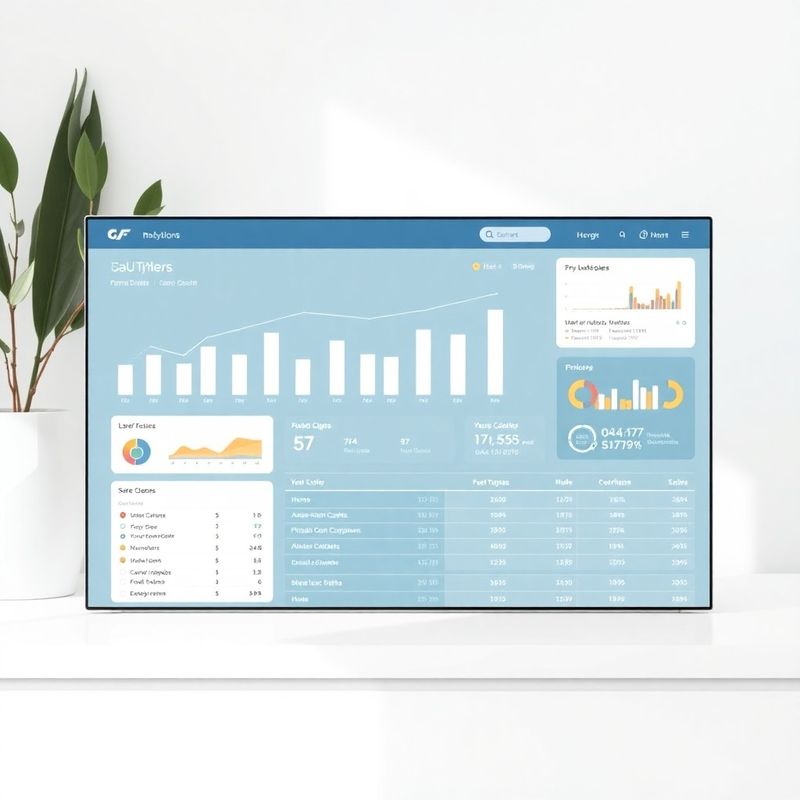
Build role-specific views in under fifteen minutes using drag-and-drop widget blocks.

Wollongonghub analytics dashboard screenshot

Drag-and-drop widget builder

Choose from 40+ pre-built widgets covering revenue, support tickets, deployment frequency, pipeline velocity, and custom metrics. Arrange them per team role so a customer success manager and an engineer see different slices of the same underlying data.

Real-time data refresh

Dashboards refresh every 30 seconds by default and can be set to five-second polling for time-critical operations. Refresh rate is configurable per widget, so high-frequency trading data and daily sales summaries coexist on the same screen without burning API quota.

Scheduled report export

Schedule PDF or CSV exports to land in any email inbox or Slack channel at a frequency you choose — daily, weekly, or at a custom cron interval. Reports include snapshot commentary generated from the analytics engine so each export is self-explanatory.

Integrations module — connect without an engineer on standby

Guided OAuth flows, a REST API, and a growing library of pre-built connectors.

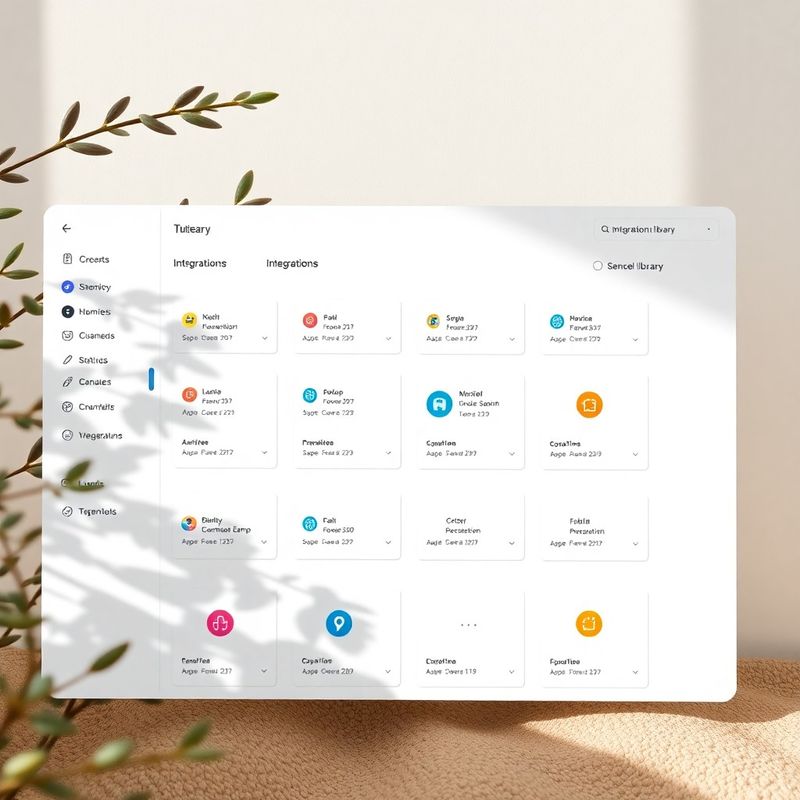
Guided OAuth connector library

Each connector walks through authorisation in three screens. Salesforce, HubSpot, Xero, Jira, GitHub, Google Workspace, and Slack ship fully tested. Field-mapping is automatic for standard objects; custom objects use a point-and-click mapper.

Open REST API

Every data type in Wollongonghub is accessible via a versioned REST API with OpenAPI 3.1 documentation. Rate limits are generous — 2,000 requests per minute on Standard, 10,000 on Enterprise — and sandbox environments mirror production schemas.

Outbound webhook engine

Fire structured payloads to any endpoint when a metric crosses a threshold, a form is submitted, or a workflow step completes. Delivery is guaranteed with exponential backoff retry logic and a 30-day delivery log you can inspect from the dashboard.

Wollongonghub integrations library screen

“The Xero integration took eleven minutes from OAuth to our first live invoice chart on the dashboard. I had expected to spend a day on it based on every other platform I'd tried. The webhook delivery log is also genuinely useful — I can see exactly which calls failed during an outage and replay them.”

James Kowalczyk, CTO, Sydney

Questions teams ask before signing up

How long does a typical onboarding take?

Most teams complete initial setup — connecting two to four integrations, configuring role-based dashboards, and inviting their first ten users — within a single two-hour session. A structured onboarding guide and a live chat with a technical account manager are included in all paid plans.

Where is our data stored?

All data is stored in AWS Sydney (ap-southeast-2) by default. Enterprise plans can elect a secondary Melbourne region for disaster recovery. No data is stored outside Australia unless you configure an explicit cross-region backup. This is documented in the Data Processing Addendum available before purchase.

Does the platform support SSO?

Yes. SAML 2.0 SSO is available on the Pro and Enterprise tiers and supports Okta, Azure Active Directory, Google Workspace, and any identity provider that exposes a standard SAML metadata endpoint.

What happens to our data if we cancel?

You have 30 days after cancellation to export all your data via the REST API or the bulk CSV export tool. After that period, data is permanently deleted from production servers and purged from backups within 90 days, in line with our data retention policy.

Ready to replace five tools with one?

Compare plans and start a free 14-day trial — no credit card, no lock-in.

See pricing